Analyse: Engineering Insights from the Model
Learn how analysis derives from the model to support design iteration
Analysis Overview — Engineering Insights
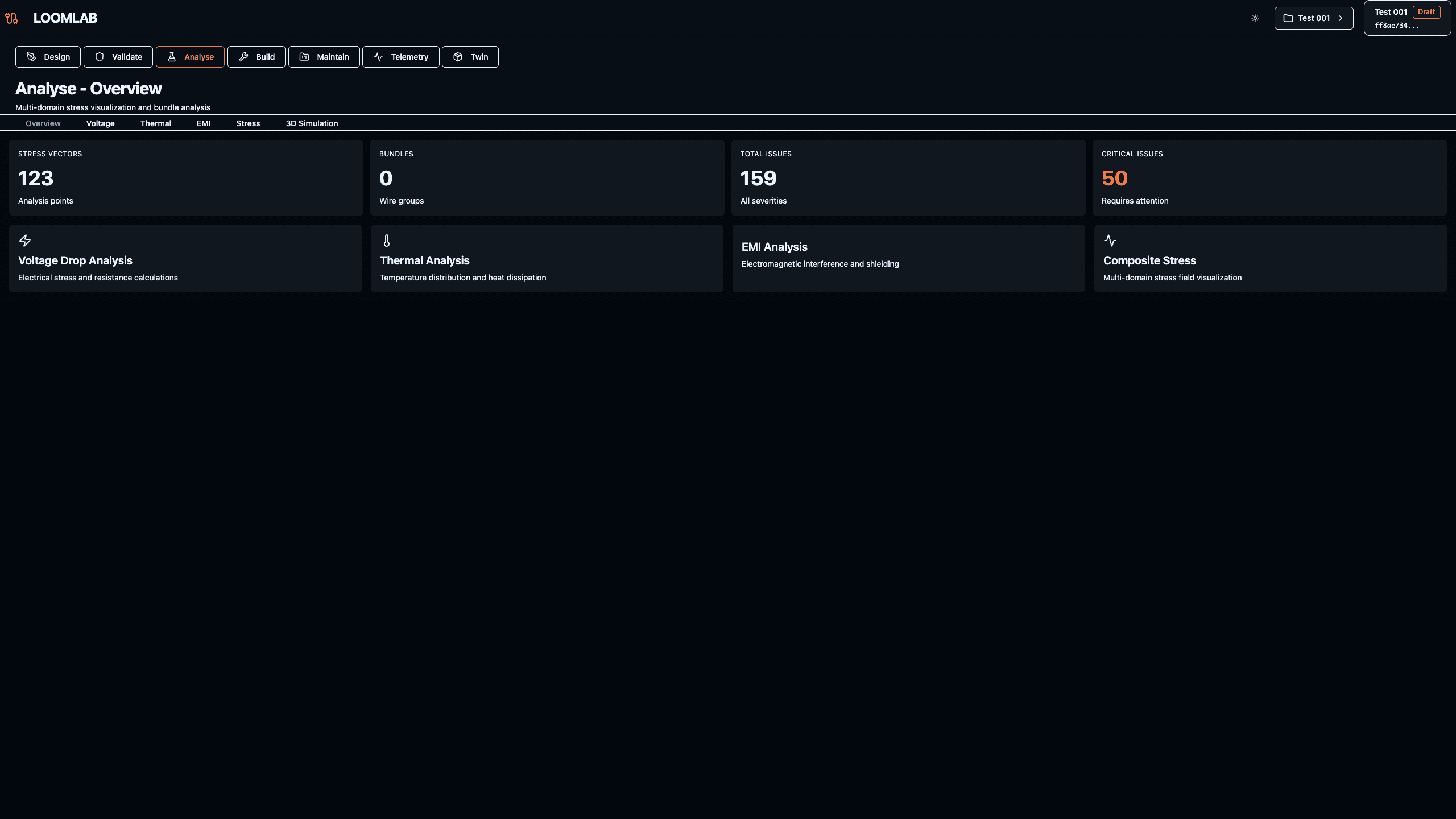
Analysis views translate the twin into computable indicators that support design iteration and validation closure. Unlike separate analysis tools that require model export/import, all analysis derives directly from the same electrical model. Stress analysis evaluates mechanical/electrical interactions. Voltage drop validates power distribution performance. Thermal analysis ensures safe operating temperatures. EMI analysis checks signal integrity. Each analysis type provides different perspectives on system performance, helping engineers make informed decisions about routing, component selection, wire gauges, and system architecture—all while maintaining traceability to the source model.
Actions:
- →Navigate to /projects/[id]/analyse
- →Review analysis dashboard showing available analysis types (Stress, Voltage, Thermal, EMI)
- →Understand how each analysis derives from the electrical model (no export/import required)
- →Explore key metrics and system health indicators
- →Observe how analysis results link back to design components and nets
Expected Outcome: Analysis overview dashboard showing available analysis types, key metrics, and understanding that all analysis derives from the same model
Stress Analysis — Mechanical/Electrical Interactions
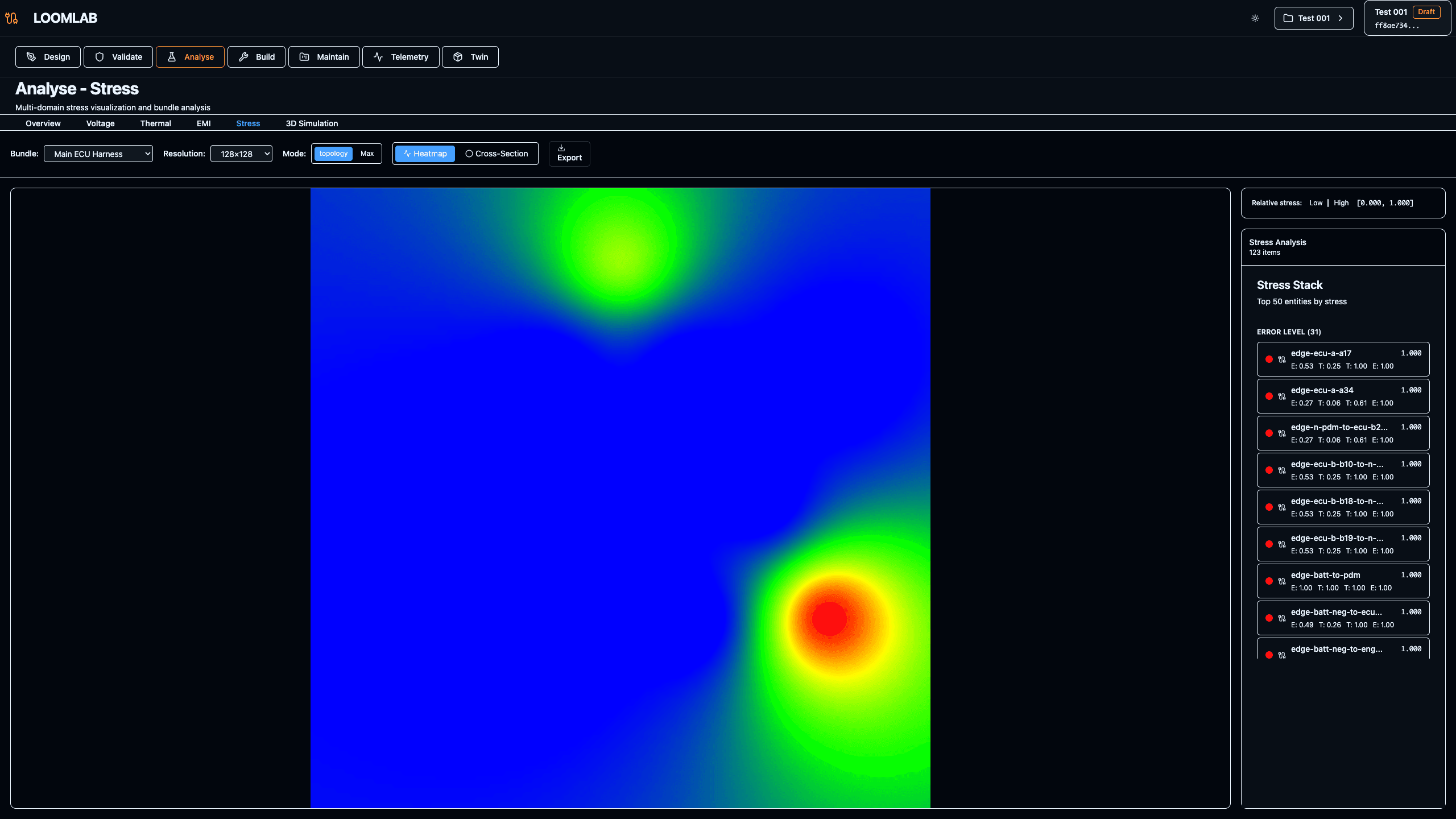
Stress analysis evaluates mechanical and electrical interactions to manage durability, serviceability, and failure risk. Bundle routing through tight spaces, vibration exposure, and thermal cycling all contribute to stress. The analysis identifies high-stress areas where routing changes or additional support may be needed. Stress indicators are computed from bundle geometry, vehicle context, and material properties defined in the model.
Actions:
- →Navigate to Stress tab in Analyse page
- →Review stress heatmap showing bundle stress levels
- →Identify high-stress routing areas (red zones)
- →Understand stress factors: routing path, bundle size, vehicle motion
Expected Outcome: Stress visualization showing bundle-by-bundle analysis with color-coded risk levels
Voltage Drop Analysis — Performance Validation
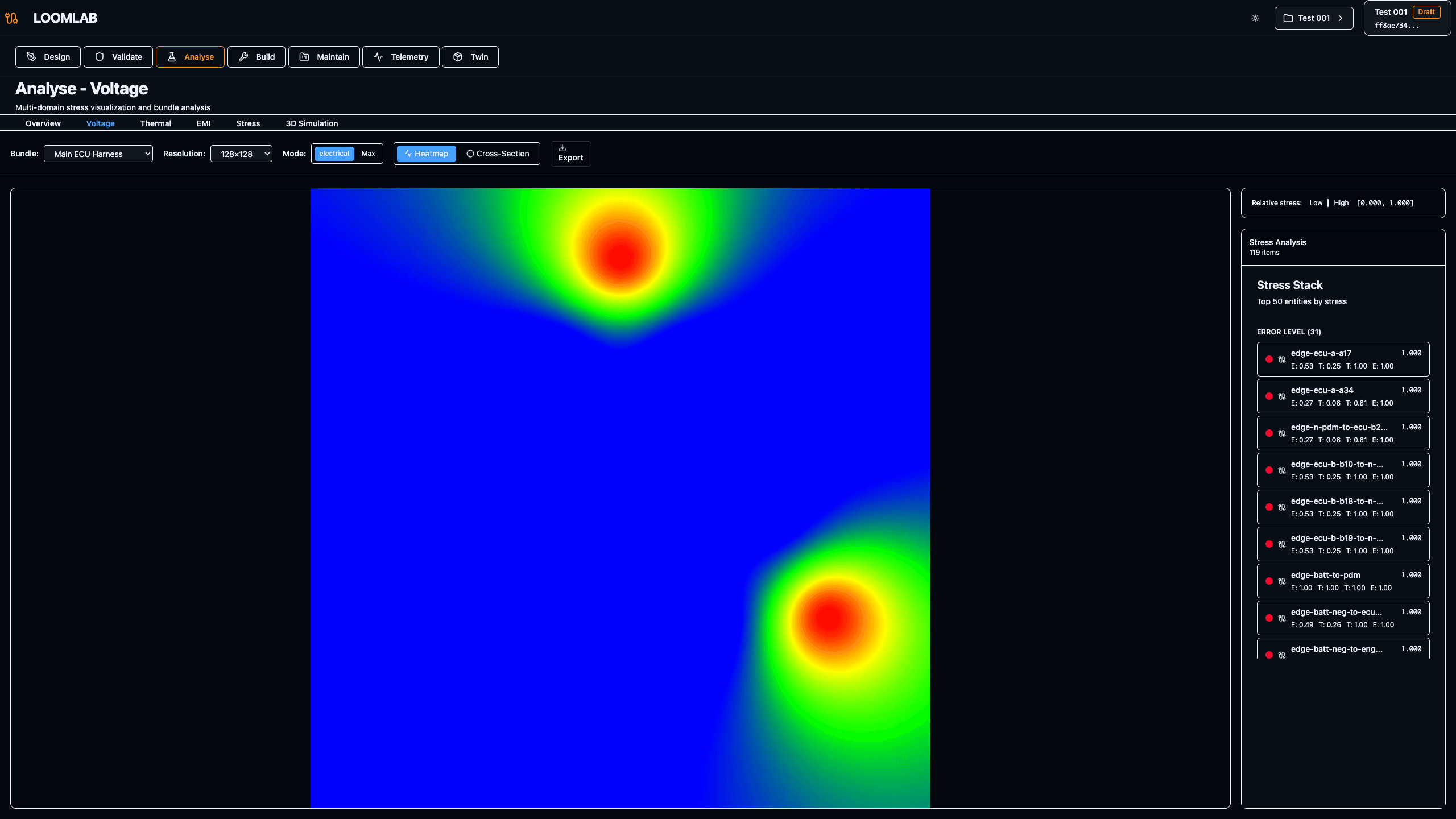
Voltage drop analysis validates that power distribution meets performance requirements across all loads. Starting from power sources (battery, alternator), the analysis calculates voltage at each component considering wire resistance, current draw, and net topology. Critical loads like ECUs and sensors must receive adequate voltage under all operating conditions. The analysis flags nets where voltage drop exceeds thresholds, guiding wire gauge selection and routing improvements.
Actions:
- →Navigate to Voltage tab in Analyse page
- →Review voltage drop calculations for each net
- →Identify nets with excessive voltage drop
- →Understand relationship between wire gauge, length, and voltage loss
Expected Outcome: Voltage drop analysis with per-net breakdown showing source voltage, drop, and load voltage
Thermal Analysis — Heat Management
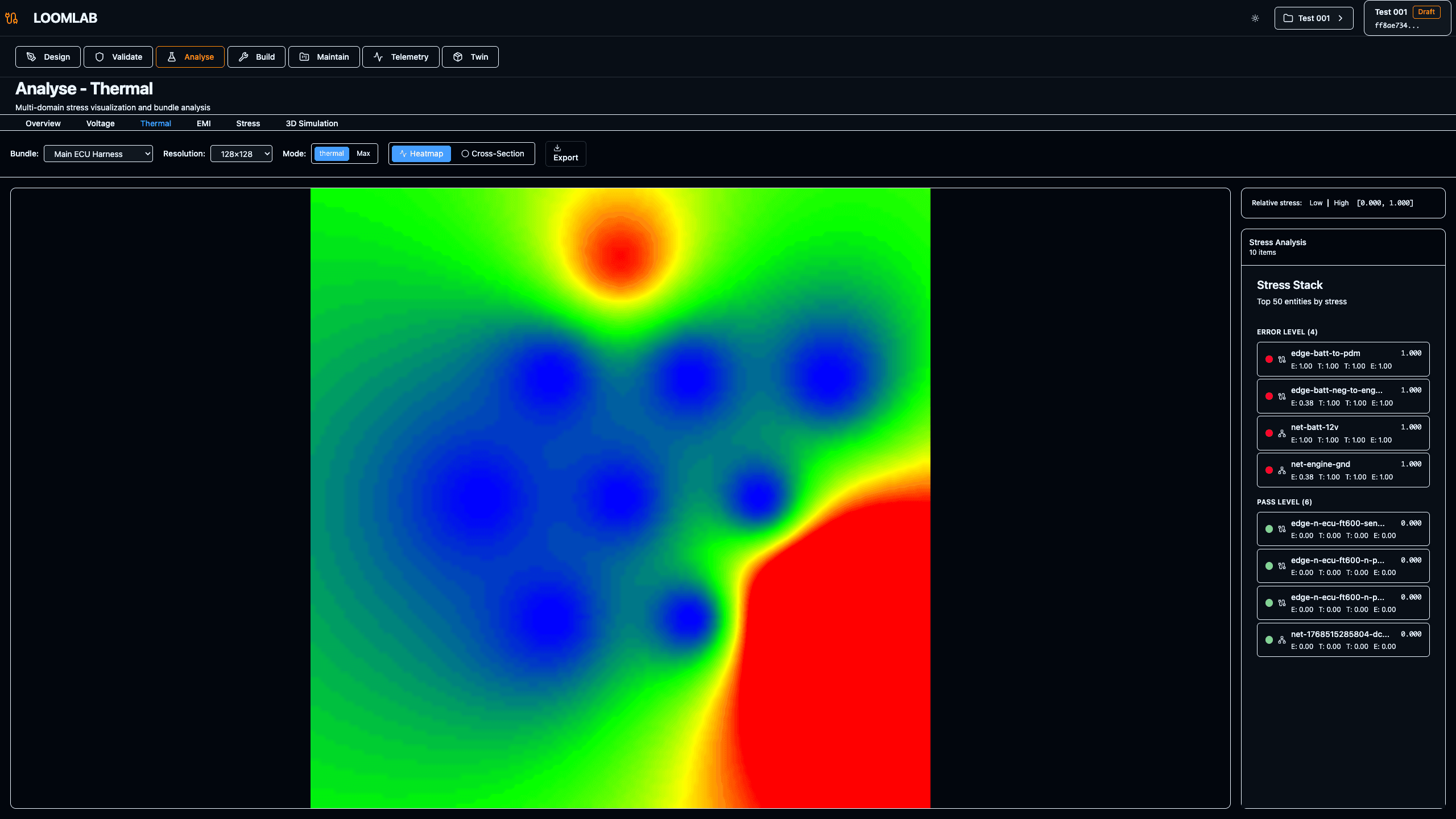
Thermal analysis evaluates heat generation and dissipation in wire bundles. Current flow through wires generates heat (I²R losses), and bundling reduces heat dissipation. The analysis calculates bundle temperatures considering ambient conditions, bundle size, wire current, and insulation ratings. High-temperature areas may require larger wire gauges, reduced bundling, or improved routing. Thermal assumptions (ambient temperature, airflow) are captured in the model and remain traceable.
Actions:
- →Navigate to Thermal tab in Analyse page
- →Review bundle temperature calculations
- →Understand thermal derating factors
- →Identify bundles approaching temperature limits
Expected Outcome: Thermal analysis showing bundle temperatures and heat generation rates
3D Simulation — Spatial Context
The 3D simulation view provides spatial context for routing and packaging decisions. Wires and bundles are visualized in vehicle coordinates, showing physical routing paths, clearance zones, and component placements. This spatial view helps identify routing conflicts, optimize bundle paths, and validate packaging constraints. The 3D view remains synchronized with the electrical model—changes to routing intent update the visualization automatically.
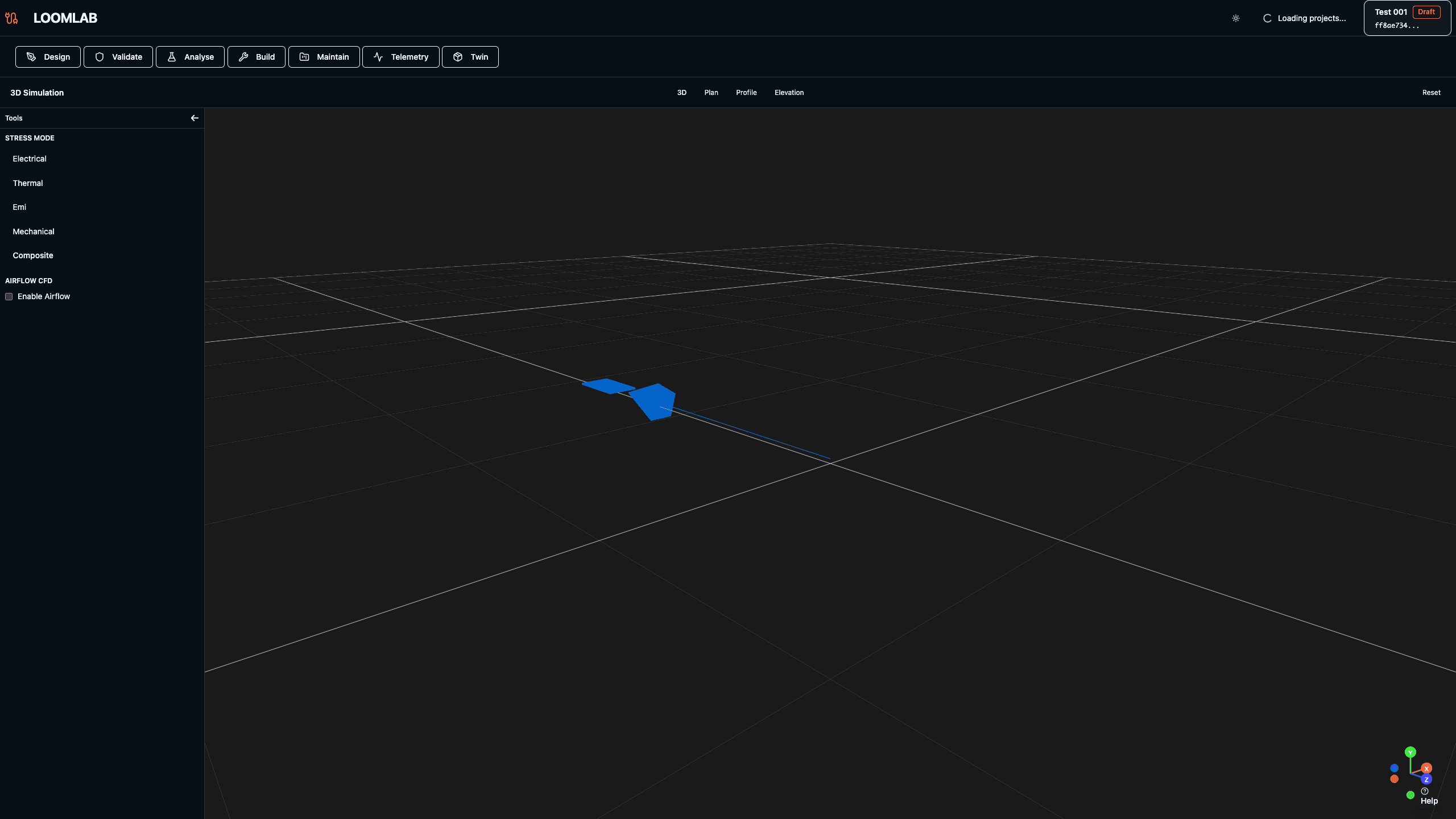
Actions:
- →Navigate to /projects/[id]/simulate
- →Explore 3D view with orbit, pan, and zoom controls
- →Review bundle routing in vehicle context
- →Identify spatial constraints and clearance issues
Expected Outcome: 3D visualization showing electrical system in vehicle spatial context