3D Digital Twin — Spatial Visualization
Learn how the 3D digital twin provides spatial context for electrical systems
3D Digital Twin Overview
The 3D digital twin provides spatial visualization of the electrical system within vehicle geometry. Wires and bundles are rendered in 3D space, showing physical routing paths, component placements, and clearance zones. This spatial context supports packaging decisions, routing optimization, and physical constraint validation. The 3D view remains synchronized with the electrical model—it's a visualization layer, not a separate design tool. All design changes happen in the electrical model and automatically update the 3D visualization.
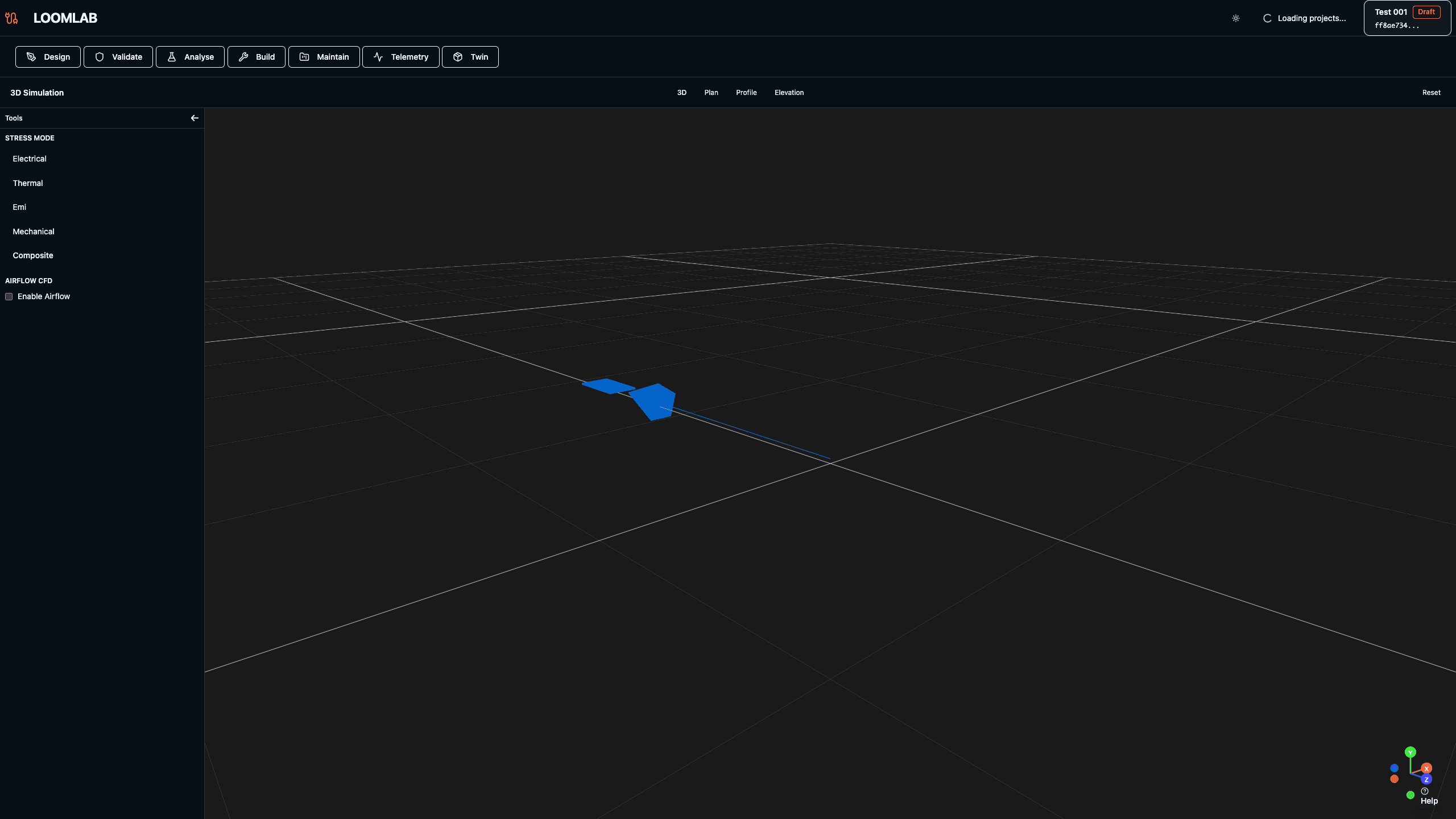
Actions:
- →Navigate to /twin/[projectId]
- →Explore 3D view with orbit, pan, and zoom controls
- →Review wire and bundle routing in vehicle context
- →Understand relationship between 3D view and electrical model
Expected Outcome: 3D digital twin showing electrical system in vehicle spatial context
Bundle Routing and Clearance
The 3D twin visualizes bundle routing paths and clearance zones. Routing anchors define entry/exit points, routing zones constrain paths, and clearance zones show keep-out areas. This spatial information helps optimize routing for serviceability, avoid interference with mechanical components, and validate packaging constraints. Routing conflicts are visible immediately—a bundle passing through a structural member or interfering with moving parts becomes obvious in 3D.
Actions:
- →Review bundle routing paths in 3D
- →Identify routing anchors and zones
- →Check clearance between bundles and vehicle structure
- →Validate routing for serviceability
Expected Outcome: 3D view showing optimized bundle routing with clearance validation
Stress Overlay in 3D
Stress analysis results overlay on the 3D model, showing stress levels color-coded on bundles. High-stress areas appear red, moderate stress yellow, and low stress green. This spatial visualization makes it easy to identify problematic routing areas and understand stress distribution. Combined with vehicle geometry, engineers can see how routing through tight spaces or around sharp edges contributes to stress, guiding routing improvements.
Actions:
- →Enable stress overlay in 3D view
- →Review color-coded stress levels on bundles
- →Identify high-stress routing areas
- →Correlate stress with spatial constraints
Expected Outcome: 3D view with stress overlay showing color-coded stress levels on bundles